How to Organize a Cluttered iPhone Home Screen
A cluttered Home Screen usually isn't a sign you have too many apps — it's a sign the apps aren't grouped or prioritized in a way that matches how you actually use your phone.
Use the App Library
Every app already lives in the App Library automatically, even if it's not on your Home Screen — removing rarely-used apps from the Home Screen (without deleting them) instantly frees up space.
Group with folders
Grouping similar apps into a handful of well-labeled folders reduces visual noise far more than scattering individual icons across several pages.
Replace icon rows with a widget
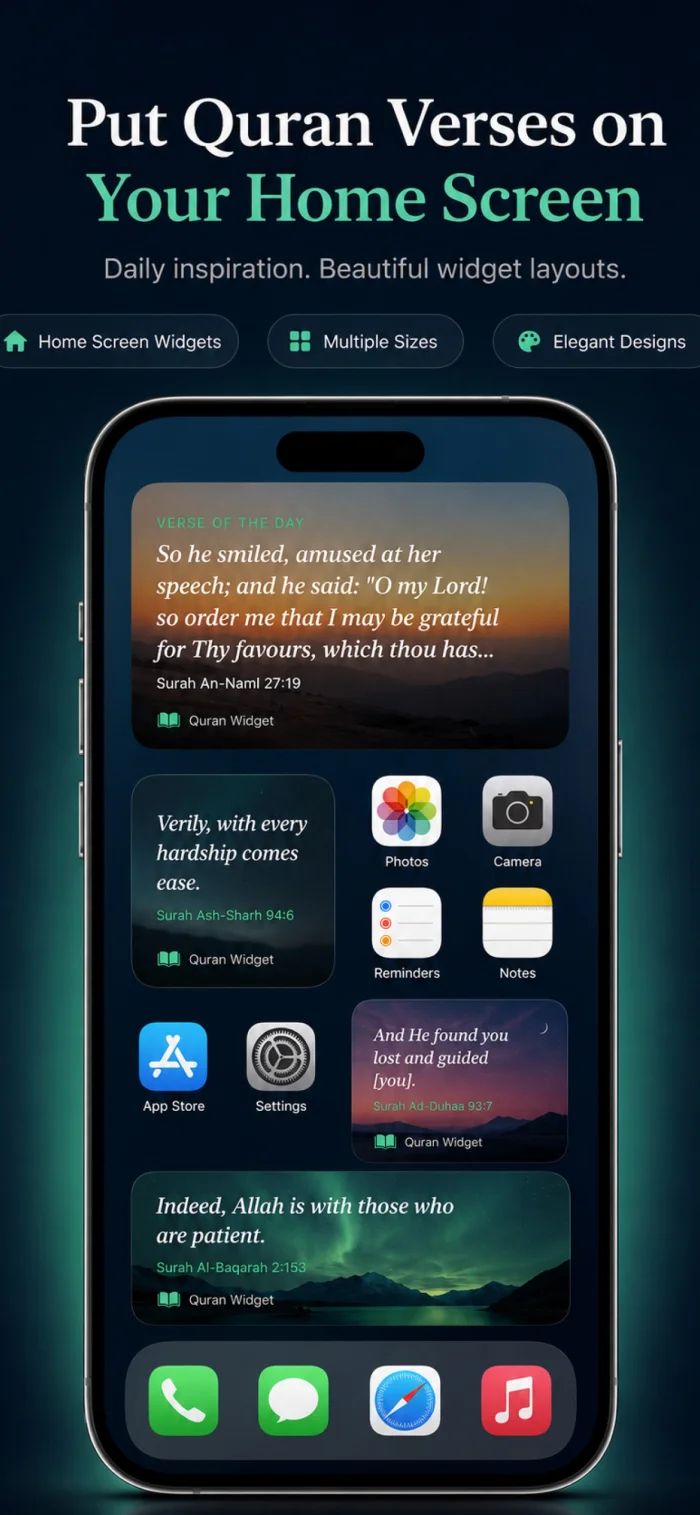
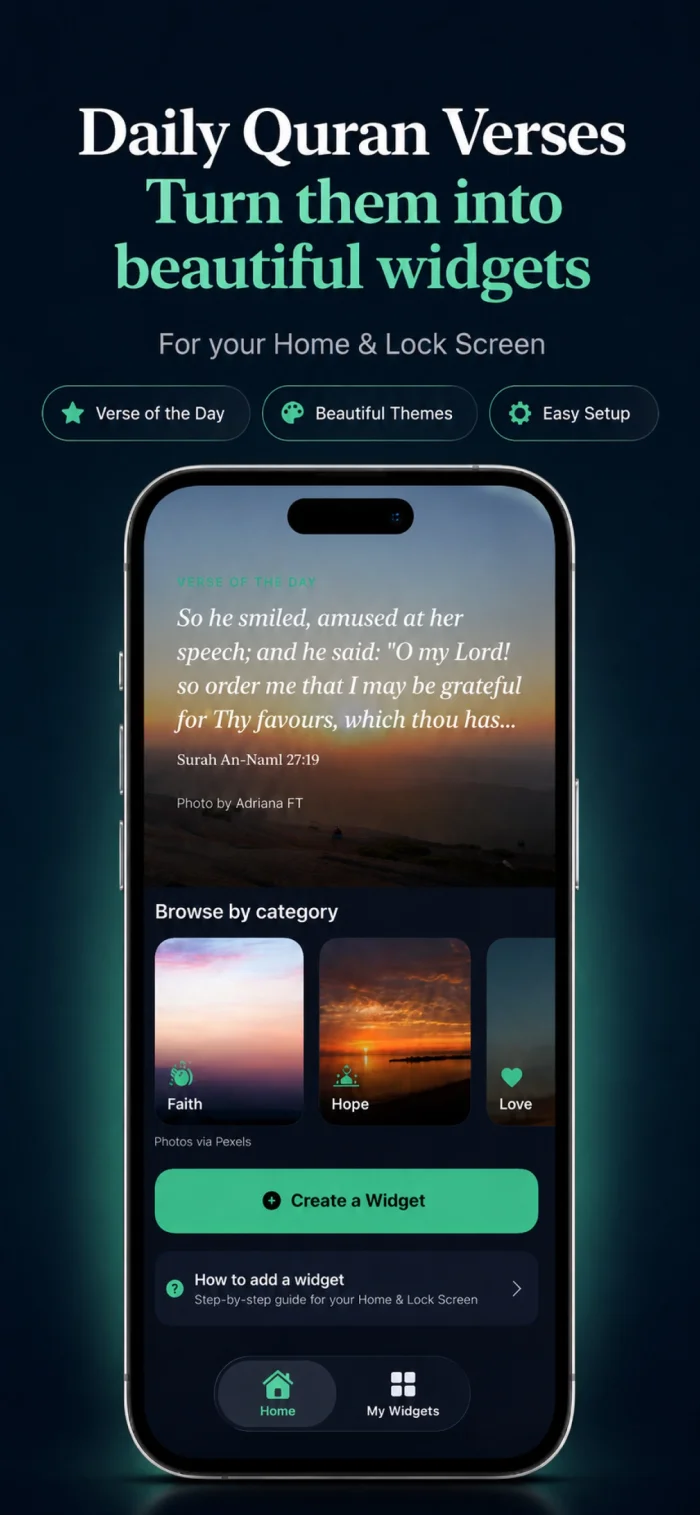
A single well-chosen widget — like a daily verse, calendar, or weather widget — can replace a full row of icons while giving you more useful information at a glance.
Does removing an app from the Home Screen delete it?
No — removing an icon from the Home Screen just hides it there; the app stays installed and fully accessible from the App Library or search.